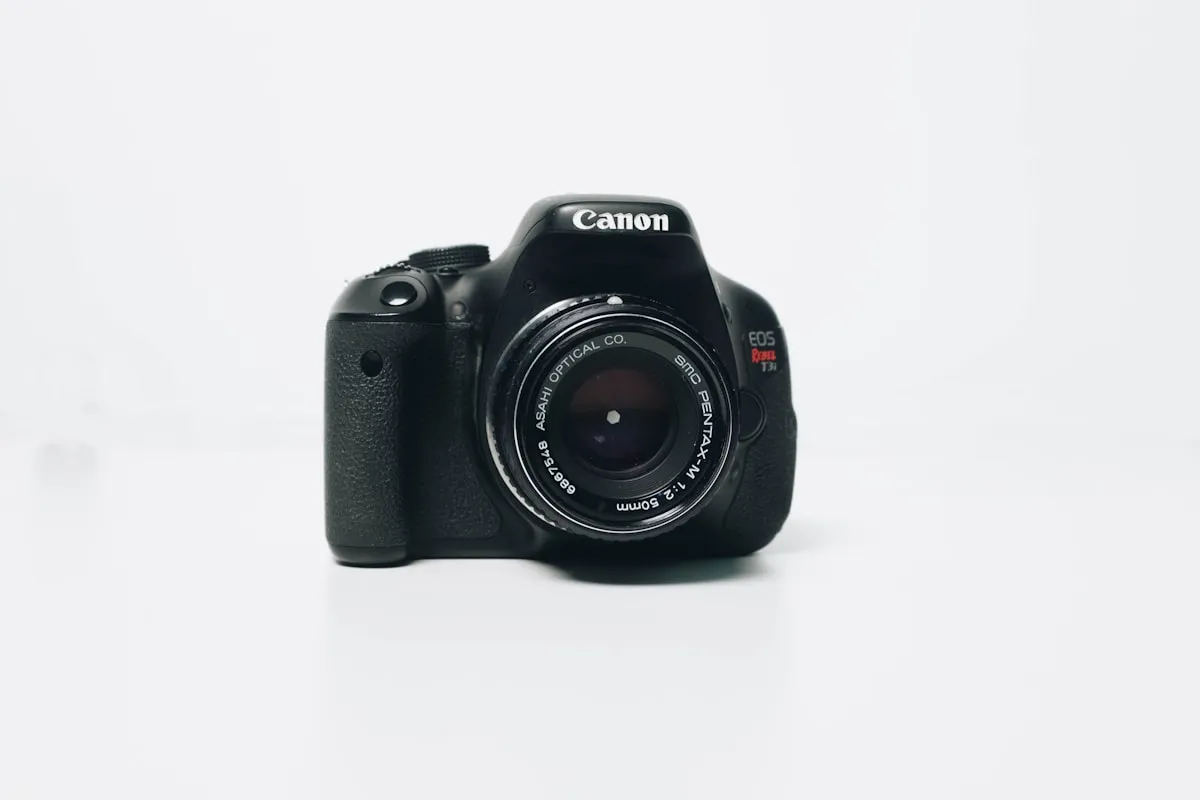
We used to lug a full DSLR kit around on trips. A body, two lenses, a charger, a bag to carry it all. It was heavy, it was conspicuous, and we spent more time worrying about it getting stolen than we did taking photos with it. At some point we started leaving it at home and just using our phones, and honestly? The photos got better. Not because the hardware improved—though it did—but because we actually had the camera out and ready when something worth shooting happened.
That's the unsexy truth about travel photography: the best photos come from the camera you're comfortable using and always have on you. For most people, that's a phone. And modern phones are absurdly good. The computational photography in a recent iPhone or Pixel does things that required thousands of dollars in gear ten years ago.
So this isn't about upgrading your kit or learning to shoot manual on a mirrorless camera. It's about getting more out of what's already in your pocket. Most of the improvement comes from understanding light, thinking about composition for an extra second before tapping the shutter, and doing some basic editing afterward. None of it is complicated.
The difference between a forgettable snapshot and a photo you're actually proud of is usually about five seconds of thought. That's it.
Light Makes or Breaks Everything
This is the single most important concept in photography, and it has nothing to do with your equipment. The same scene looks completely different depending on when you shoot it.
Golden Hour
The hour after sunrise and the hour before sunset. The light is warm, the shadows are long, and everything looks better. If you can only follow one piece of advice from this whole post, it's this: shoot your important stuff during golden hour. Schedule your day around it if the photos matter to you.
Midday sun creates harsh shadows and washed-out skies. It makes people squint. Golden hour light is forgiving—it flatters landscapes, buildings, and faces alike.
Blue Hour
That 20-30 minute window right after sunset (or before sunrise) when the sky turns deep blue and city lights start glowing. If you're in a city, this is when you get the iconic skyline shots. It doesn't last long, so be in position before it starts.
Overcast Days
Clouds are nature's softbox. They scatter the light evenly, eliminate harsh shadows, and make colors pop. Overcast light is ideal for portraits and street photography—no squinting, no blown-out highlights, no awkward shadows across faces.
When You're Stuck in Harsh Light
Sometimes you're at the Colosseum at noon and you're not coming back at sunset. In that case: find shade when you can, turn on HDR mode, embrace high-contrast looks (silhouettes can be great), or use portrait mode to at least blur out a distracting background.
Composition: The Five-Second Difference
Good composition is mostly about being deliberate. Instead of pointing your phone at a thing and tapping, pause for a few seconds and think about the frame.
Turn on the grid overlay in your camera settings (most phones have a 3x3 grid option). Place your subject along the grid lines or at the intersections rather than dead center. This is the "rule of thirds," and it works because it creates natural visual tension.
Look for leading lines—roads, paths, fences, rivers—that draw the eye into the frame. They add depth to what would otherwise be a flat image.
Use natural frames: doorways, arches, windows, tree branches. Shooting through or under something adds layers and directs attention to your subject.
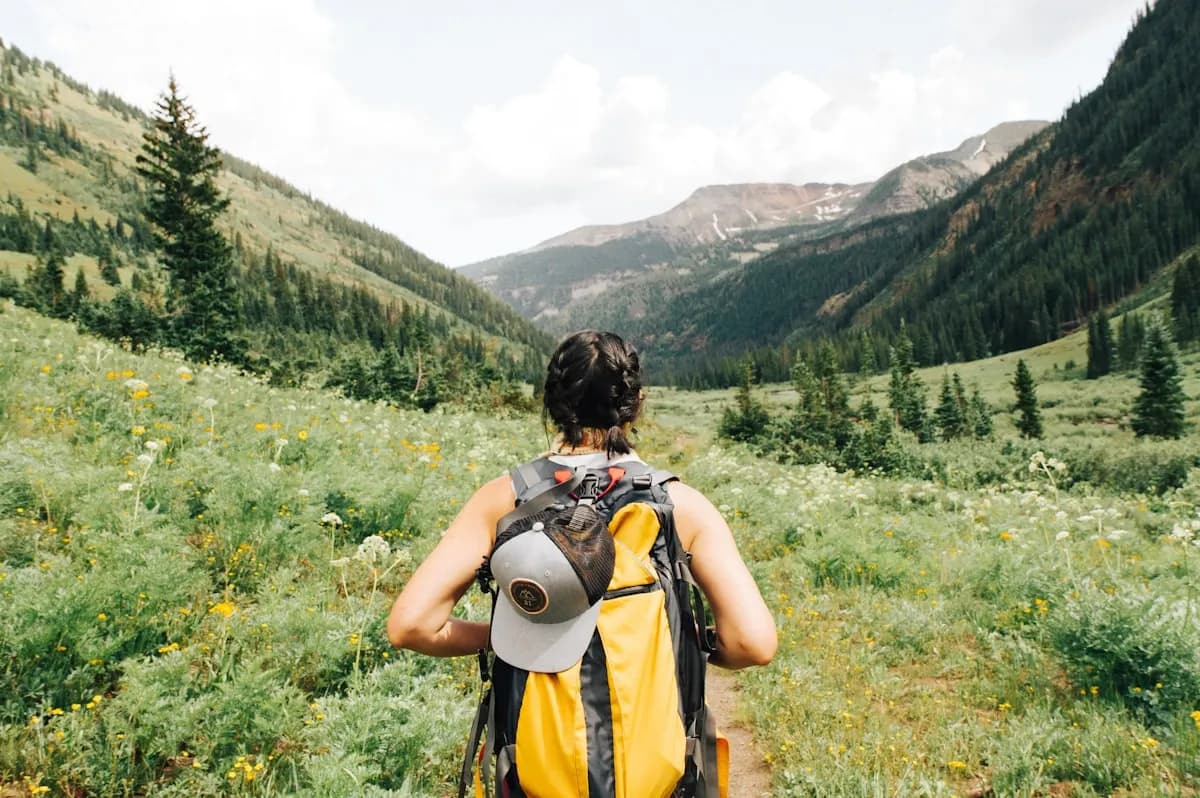
Put something interesting in the foreground. A photo of a mountain is fine. A photo of a mountain with wildflowers in the foreground has depth and dimension.
Sometimes the most effective composition is the simplest one. A single subject against a big empty sky or a plain wall can be more striking than a busy frame where the eye doesn't know where to land. Don't feel like you need to fill every inch.
And once you understand these "rules," break them on purpose. Centered subjects work perfectly sometimes. A tilted horizon can create energy. Rules are starting points, not laws.
Phone-Specific Tricks
Tap the screen to set focus and exposure. If your subject is dark and the background is bright, tap on the subject—the phone will adjust to expose it properly. If the sky is blowing out, tap on the bright area instead.
On most phones, you can press and hold to lock focus and exposure (AE/AF lock), then recompose your shot. This is useful when the thing you're focusing on isn't in the center of the frame.
Leave HDR on auto. It combines multiple exposures for better detail in both highlights and shadows, and modern phones handle it well enough that there's no reason to turn it off.
Portrait mode is great for people and objects but sometimes gets confused by complex edges (hair, especially). Check the results and retake if the blur looks weird.
Night mode on recent phones is genuinely impressive. Use it, but hold the phone steady—these shots take a second or two of exposure time, and any movement shows.
If your phone has a manual/pro mode, the key controls are ISO (lower means less noise but needs more light), shutter speed (slower captures motion blur and light trails), and white balance (adjusts color temperature).
Shooting Different Subjects
For landscapes: include something in the foreground, wait for good light, make sure your horizon is level, and try vertical orientation sometimes—it can emphasize depth in a way horizontal doesn't.
For street scenes: candid beats posed almost every time. Include context like signs and architecture. Patience is more valuable than speed—wait for someone to walk into the right spot in your frame. Shooting from the hip (without raising the phone to your face) keeps things discreet.
For portraits: window light is gorgeous and free. Get closer than you think you should. Focus on the eyes. Always ask permission when it's appropriate.
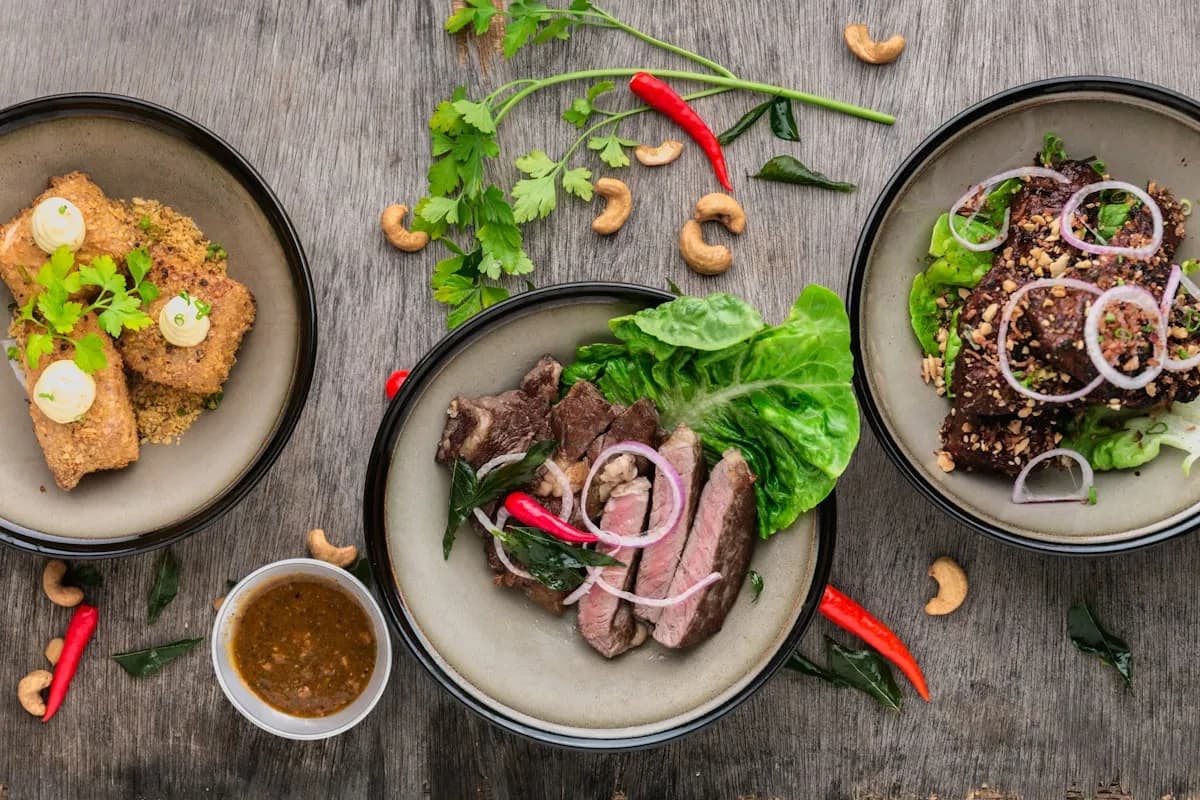
For food: natural light only, never flash. Shoot from directly above or at about a 45-degree angle. Don't bother making it look too clean—a messy table with hands reaching for food tells a better story than a perfectly staged plate.
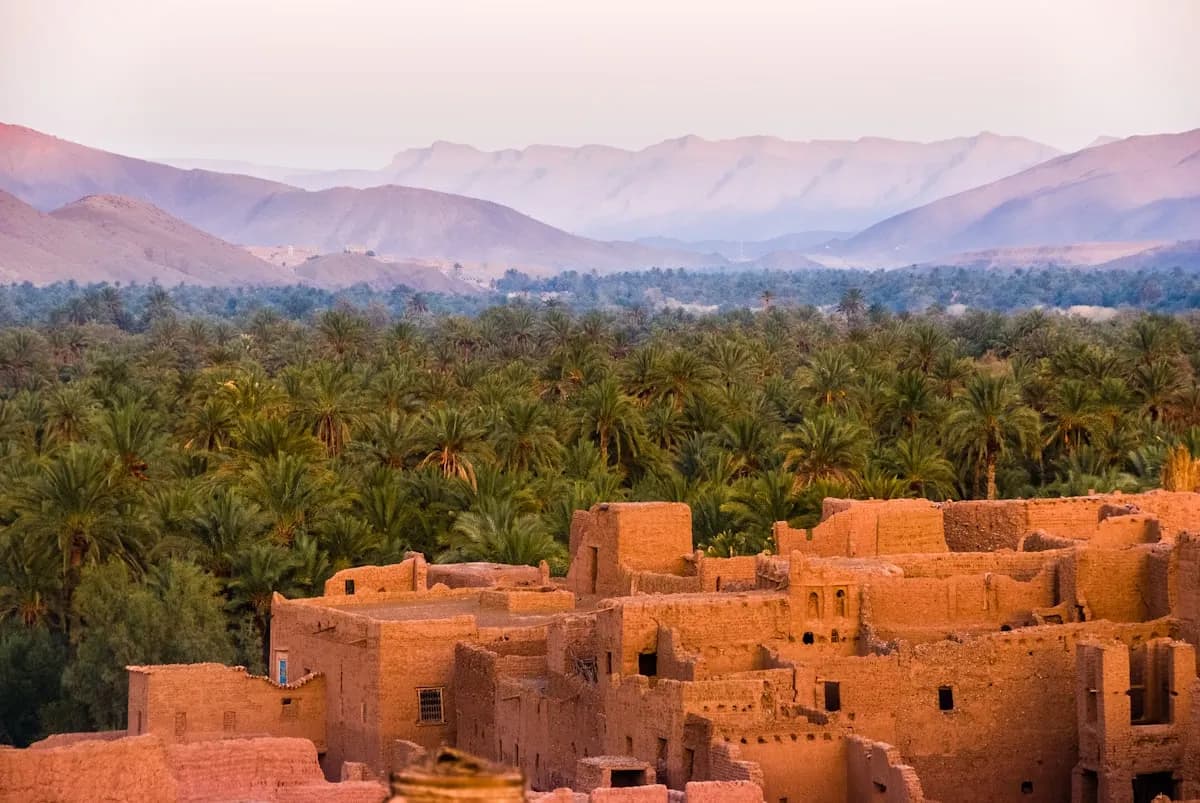
For architecture: look for symmetry. Shoot straight-on to avoid converging lines and distortion. Include a person for scale. And pay attention to details—a carved doorway or a weathered window can be more interesting than the full building.
For night shots: use night mode or a long-exposure app. Brace your phone against a wall, post, or railing. Blue hour (just after sunset) usually produces better results than full darkness.
Editing: Where Good Photos Become Great
Taking the photo is maybe 60% of the process. Editing is the rest, and skipping it is like cooking a great meal and not seasoning it.
Snapseed (free, Google) and Lightroom Mobile (free basic tier, Adobe) are the two apps worth having. VSCO is also good if you like working with filters as a starting point.
A basic editing workflow: straighten the horizon if it's off, crop to improve composition, adjust exposure (overall brightness), pull highlights down and shadows up to recover detail, fix white balance if the colors look off, add a touch of contrast, bump vibrance slightly (not saturation—vibrance is more subtle), and add a little sharpening.
The goal is enhancement, not transformation. If your edited photo looks dramatically different from the original, you've probably gone too far. Heavy filters and cranked-up saturation are the quickest way to make a photo look amateurish.
Develop a consistent editing style across your travel photos. A set of images that feel cohesive—similar tones, similar contrast, similar mood—tells a better story than a random collection of one-offs.
Gear That's Actually Worth Adding
A small flexible tripod (GorillaPod or similar) opens up night photography, group shots with timers, and long exposures. It's the single most useful accessory.
Clip-on lenses from companies like Moment or Sandmarc can add wide-angle or telephoto capability. Quality varies a lot though, so read reviews before buying.
A waterproof pouch or case is cheap insurance for beach days, water activities, or rainy weather.
A power bank. This is non-negotiable. A dead phone means no camera, no maps, no communication. Carry backup power on long days.
Mistakes We See All the Time
Zooming in with digital zoom. It just crops and degrades the image. Walk closer instead, or crop later in editing where you have more control.
Dirty lens. Your phone lives in your pocket, and pocket lint plus finger oils create a haze that ruins sharpness. Wipe the lens with your shirt before shooting. Takes two seconds.
Shooting everything. Not every moment needs to be documented. Be selective. Twenty good photos from a day are worth more than two hundred mediocre ones.
Over-editing. When in doubt, dial it back. If someone can tell your photo was edited, you've done too much.
Spending the whole trip behind your phone. Some moments are better experienced than captured. Put the phone down sometimes.
Not backing up. Phones get lost, stolen, and dropped in water. Set up automatic cloud backup, or transfer photos to a laptop periodically. Losing a trip's worth of photos is genuinely painful.
Ethics and People
Ask permission before photographing people, especially in cultures where photography norms are different from your own. Respect "no photo" signals. Think about how you'd feel if someone pointed a camera at you without asking.
Avoid the kind of photography that treats poverty or suffering as aesthetic content. If your first instinct at a scene is "this would look great on Instagram," take a beat and think about whether that photo serves the subject or just serves your feed.
And sometimes the right move is putting the phone away entirely. A conversation with a stranger, a meal shared without documentation, a sunset watched with your eyes instead of your screen—those memories are worth having too.
Telling a Story
A good travel photo set tells a story, not just shows locations. Mix your shots: wide establishing shots that show where you are, close-up details (textures, food, signs, hands), portraits and candids of people, action and movement, and personal perspective shots (your feet on a new street, your hand holding something local).
Think of it like a short film: wide shot, medium shot, close-up, repeat.
Video, Briefly
Shoot horizontal for anything you want to look good on a real screen. Stabilize by walking heel-to-toe and keeping your elbows in. Keep clips short—5 to 10 seconds each—because short clips edit together much better than long rambling ones. Let the ambient sound record; natural audio adds more atmosphere than most people realize.
For editing, iMovie is free and sufficient, LumaFusion is powerful if you want more control, and InShot works well for quick social media edits.
The camera on your phone is already good enough. The limiting factor is almost never the hardware—it's taking that extra moment to notice the light, think about the frame, and wait for the right instant. That costs nothing and changes everything.