
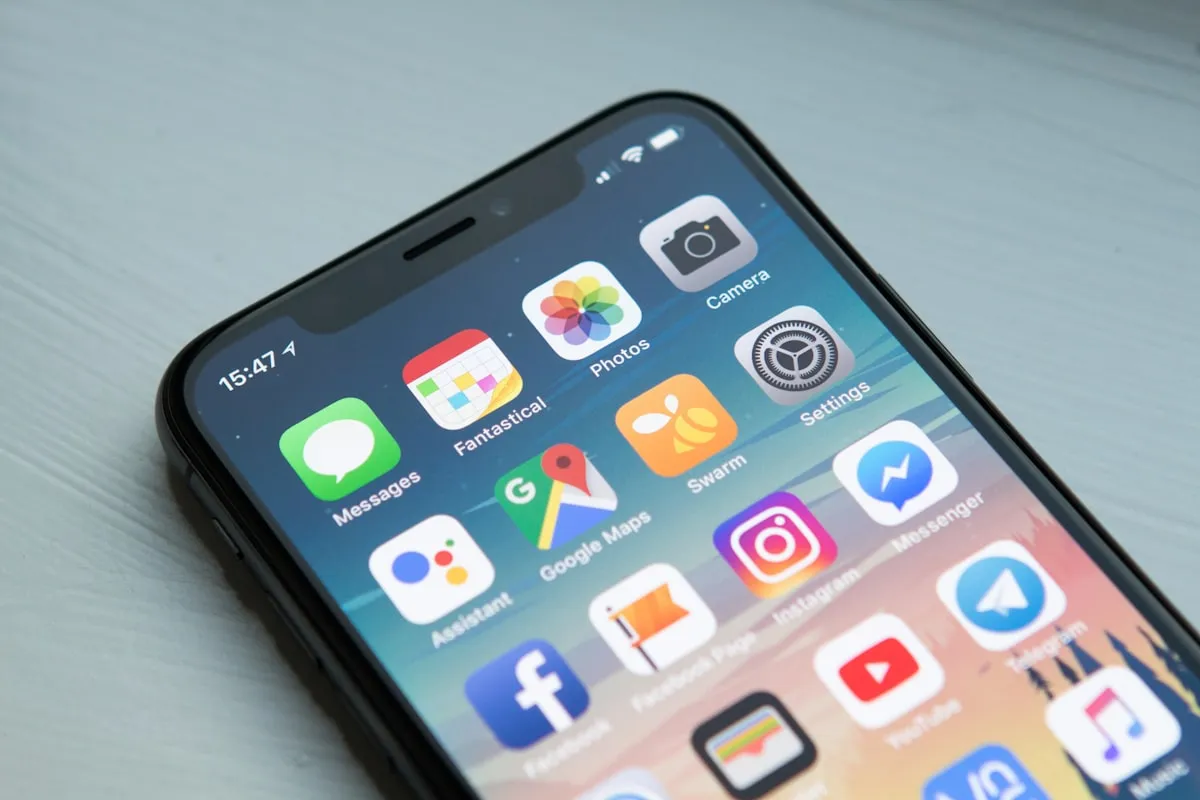
Every "best travel apps" list is twenty items too long. You don't need thirty apps. You need maybe ten good ones, set up properly before you leave, and the discipline to not clutter your phone with stuff you'll open once and forget about.
I've gone through phases with this. There was a period where I had two full screens of travel apps, most of which I never touched. Now I've narrowed it down to what actually gets used on a regular basis, and a few specialized ones worth having for specific situations.
Your phone is genuinely the most useful travel tool you own. But only if it's not buried under apps you don't use. Here's what's worth the storage space and what you can skip.
The short version: if you only want six apps, get Google Maps, WhatsApp, Google Translate, Wise, Booking.com, and Google Photos. Everything below is expanding on that core and adding useful extras.
Navigation
Google Maps
Still the best all-around navigation app, and it's not particularly close. Offline maps, transit directions worldwide, business hours and reviews, and saved lists of places you want to visit. Download offline maps for your entire destination area before you leave, not just the city center. You'll thank yourself when you're lost in a suburb with no data.
Maps.me
Worth having alongside Google Maps for adventure travel and remote areas. It has detailed offline maps with hiking trails and points of interest that Google often misses. If you're going anywhere you can't count on cellular data, install this.
Citymapper
Covers major cities and is often better than Google Maps for navigating complex urban transit systems. Real-time transit info, multi-modal journey planning, disruption alerts. If you're spending time in London, Paris, Berlin, or similar cities, it's great.
Communication
The global messaging standard. Essential in Europe, Latin America, and most of Asia and Africa. Free international messaging, voice and video calls, works on WiFi without a local SIM. If you don't have it, you'll be the person nobody can reach.
Wise (formerly TransferWise)
This isn't just for money transfers. The Wise debit card gives you the real exchange rate when spending abroad, with no foreign transaction fees. Multi-currency account means you can hold money in different currencies. Honestly the single best financial tool for international travel.
Google Translate
Camera translation (point your phone at signs and menus), conversation mode for real-time speech translation, offline language packs, and saved phrases. Download language packs before your trip. Camera translation works offline, which is when you need it most.
Flights and Transportation
Google Flights
The best flight search tool. Flexible date search shows you the cheapest days to fly, price tracking sends alerts when fares drop, and the explore feature lets you search destinations by budget.
Skyscanner
Good alternative to Google Flights. The "everywhere" destination option is fun when you're flexible and just looking for the cheapest flight to anywhere.
Rome2rio
Really useful for planning multi-modal journeys. It shows every option between two points: flights, trains, buses, ferries, and driving. When you're trying to figure out how to get from point A to point B in a region you don't know, this is the place to start.
12Go
If you're traveling in Southeast Asia, this is essential. Book trains, buses, and ferries across Thailand, Vietnam, Cambodia, and neighboring countries. Ground transport booking in that region is messy without it.
Accommodation
Booking.com
The most comprehensive hotel booking platform. Free cancellation options on most listings, no account needed to book, and Genius discounts for frequent users. It's the default for a reason.
Hostelworld
If you're on a budget, this has the best hostel selection and reviews. Worth having even if you only occasionally stay in hostels.
Airbnb
For apartments, unique stays, and longer visits. Groups and extended stays are where Airbnb really makes sense financially.
Money
XE Currency
Quick currency conversions with offline mode. Simple, accurate, does one thing well.
Trail Wallet
If you're serious about tracking your spending, this is the best option. Log expenses by category and currency, see spending patterns, and stay on target. The kind of app that pays for itself within a day.
Splitwise
If you're traveling with others, this makes splitting expenses painless. Track shared costs and settle up easily. Syncs across everyone's phones.
Safety and Organization
TripIt
Forward your booking confirmation emails to TripIt and it organizes everything into a master itinerary with real-time flight alerts and shareable travel plans. Useful if you have a lot of bookings to keep track of.
bSafe
Personal safety app with GPS tracking, automatic check-in alerts, and emergency SOS. Hopefully you never need it, but worth having.
What3Words
Every 3x3 meter square on Earth has a unique three-word address. Sounds gimmicky, but it's genuinely useful for sharing precise locations when addresses fail, which happens more than you'd think in rural areas or countries with inconsistent addressing.
Photos
Google Photos
Automatic backup and organization. The free tier gives you 15GB shared across Google services, which is usually enough for a single trip. Enable mobile data backup so you don't lose photos if your phone is stolen. For longer trips, consider a Google One subscription.
Snapseed
Best free photo editing app. Powerful but intuitive. I use this more than any desktop editor when I'm on the road.
Language and Culture
Duolingo
Pre-trip language learning. Even learning basics improves your travel experience noticeably. Knowing how to say "hello," "thank you," "where is," and "how much" in the local language goes a long way.
TripAdvisor
Take the reviews with a grain of salt, but it's useful for avoiding genuinely bad restaurants and finding decent options in unfamiliar areas.
Offline Entertainment
Kindle or Apple Books
E-books for long journeys. No physical weight, thousands of books in your pocket. Download a few before any long travel day.
Spotify or Apple Music
Download playlists before you go. Essential for long flights and transit.
Netflix or Prime Video
Download shows and movies for flights. Check regional availability because libraries differ by country.
Specialized Apps
Ride-hailing: Download the locally dominant app before arrival. Uber works in many places. Grab dominates Southeast Asia. Careem covers the Middle East. DiDi for Latin America and China. Bolt for Europe and Africa.
VPN: Essential in China, useful for privacy everywhere. ExpressVPN, NordVPN, or Surfshark are the common recommendations.
Packpoint: Generates packing lists based on your destination, weather, and planned activities. Surprisingly helpful.
Flush: Public restroom finder. Sounds silly. Genuinely useful.
HappyCow: If you're vegetarian or vegan, this is indispensable for finding restaurants worldwide.
Before You Leave: A Checklist
- Update all apps (you don't want to deal with updates on slow hotel WiFi)
- Download offline maps for your destination
- Download language packs in Google Translate
- Download music and videos for flights
- Add your destination to your weather app
- Download the local ride-hailing app
- Enable cloud backup for photos
- Check that your VPN works if you're going somewhere restrictive
And then declutter. Delete apps you won't use. Fewer apps means a faster phone and less distraction.
What You Don't Need
Skip these: multiple flight search apps (one is enough), dedicated currency converter apps (Google does this), weather apps (your phone's built-in one works), multiple map apps (Google plus one offline app is plenty), "travel journal" apps (your notes app is fine), and flashlight apps (it's built into your phone).
Resist downloading every airline app (use mobile web), every hotel chain app (unless you're in their loyalty program), and social media apps you don't normally use.
Privacy
Review your app permissions. Maps need your location, games don't. Few apps legitimately need access to your contacts. Only grant camera and microphone access to apps that actually require it.
Use a VPN on public WiFi. Hotel and cafe networks can be compromised. Enable biometric login on financial apps. Log out when not actively using them.
Keep It Simple
Your phone should help your trip, not become the trip. Download what you need, set it up before departure, and then put the phone away and look at where you are.